This week on the podcast, I want to share seven lessons I learned in my business in 2020 that I’ll be carrying into the coming year. I did a lot of outsourcing, team building, and (let’s be honest) soul searching in 2020, and I’ve finally created a business that I feel totally comfortable in.
get in touch

If you’re posting content to multiple platforms, it can be tricky to stay organized and create a cohesive content strategy. If you’re working with a team, it’s even trickier!
That’s why I use Notion to brainstorm, plan, and create all my content across my social media channels.
Ready to get organized? Here’s how I use Notion to create (and stick to) my content calendar.
Social Sharing Images are small thumbnail image(s) that are displayed when you post your site link on any social media channel (including Facebook) or in text messaging.
Don’t fret, they’re super easy to add in Squarespace. While it’s optional to add one, adding a social sharing image is a great way to control and add influence to how a social post links to your site and what is looks like.
get in touch
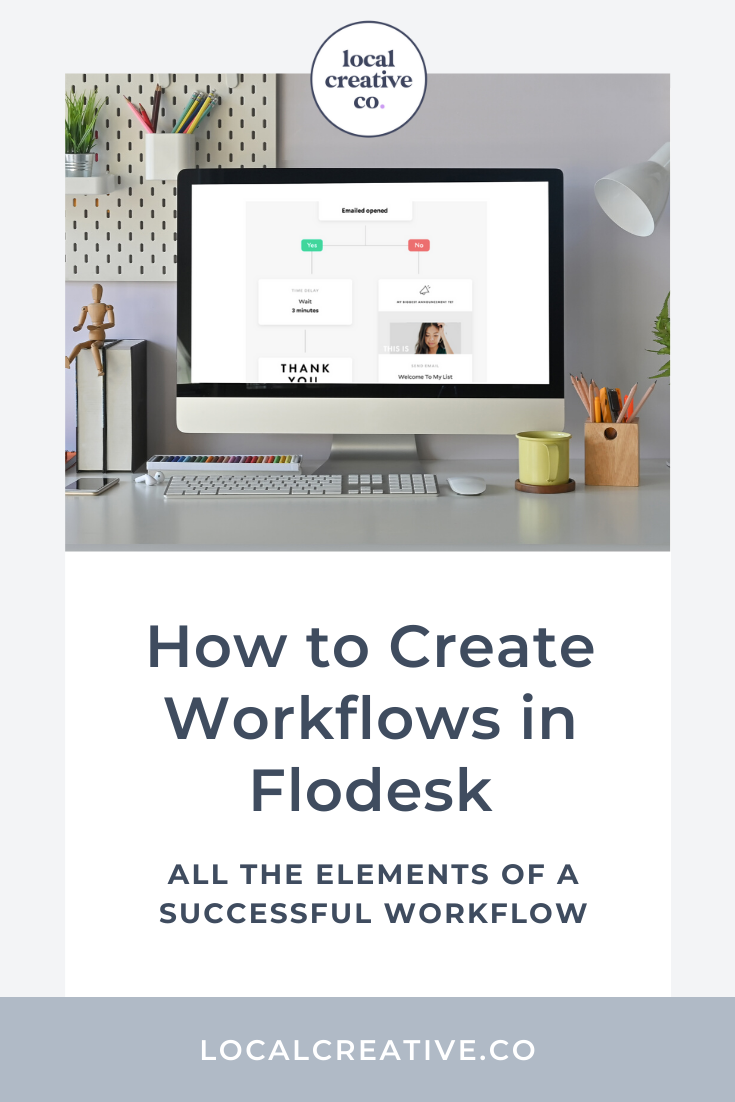
A workflow in Flodesk is a series of emails or actions that a new subscriber will go through based on the time and date they join your email list.
The benefit of having a workflow is that subscribers will never miss important content since all subscribers receive the same email depending on how you segment your audience.
The ultimate guide to Squarespace 7.1. This tutorial will help you get started building your first website on Squarespace, an all-in-one platform where you can drag and drop and easily click to add different elements to your website.
get in touch
If you’re reading this, you’ve most likely already built your website with Squarespace 7 and you loved how easy it was to drag and drop elements around your website plus customize your site styles along the way.
Squarespace 7.1 is the new shiny object and you’re wondering if it’s worth it to make the switch, and if it is, what does switching to Squarespace 7.1 actually look like?
You’ve probably heard that Google has to crawl your website before you show up in search engines, but there’s a strategy to which pages you allow Google to crawl and which you don’t. In this video you’ll learn how to hide your Squarespace website pages for better SEO.
get in touch


What is SEO and why does it matter for your photography business? When you first started your photography business, you most likely relied on word-of-mouth to get clients.
SEO provides a buffer to your marketing efforts. By optimizing your website and adding quality content that supports your ideal clients while they are making a buying decision, Google rewards you big time! Learn how…
get in touch